IT systems and infrastructure specialist with experience in networking, servers, CMS/WordPress, hosting, security, virtualization, and technical troubleshooting.
A selection of web application concepts demonstrating search, listings, user-facing dashboards, profile experiences, marketplaces, and content-driven platforms.
This collection brings together several web application projects built around different user needs and interaction models. The examples demonstrate experience organizing content, presenting searchable information, structuring listings and profiles, and creating application-style interfaces that extend beyond traditional informational websites.
Application Structure
Each platform is organized around a specific type of user activity, from profile and link management to employment listings, service marketplaces, and review discovery. Navigation and content hierarchy are structured around the primary task users are expected to complete.
Search & Discovery
Search tools, categories, listings, and structured content help users move through larger amounts of information efficiently. These patterns are especially important for marketplace, directory, employment, and review-oriented applications.
User-Facing Experience
Dashboards, profiles, calls to action, account access, and responsive page layouts create a more interactive experience than a standard brochure website. Consistent interface patterns help users understand where to go and what actions are available.
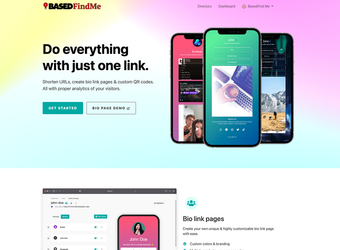
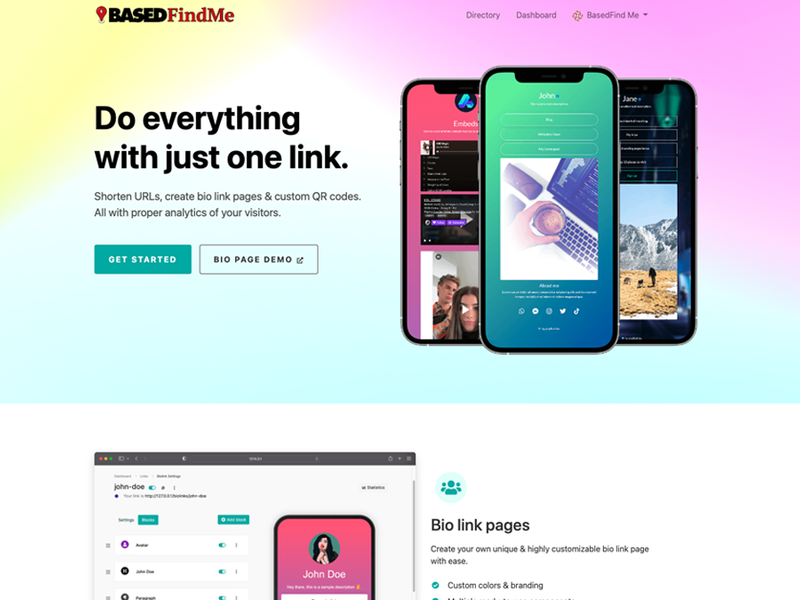
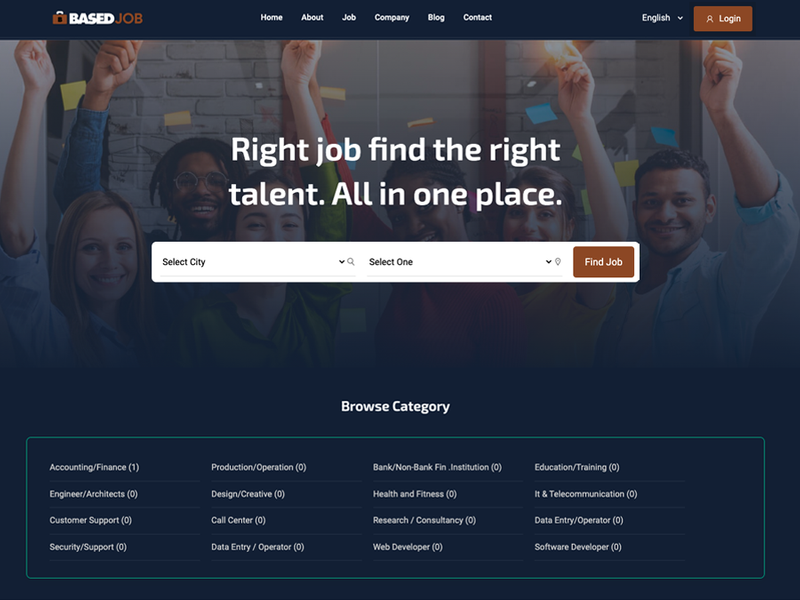
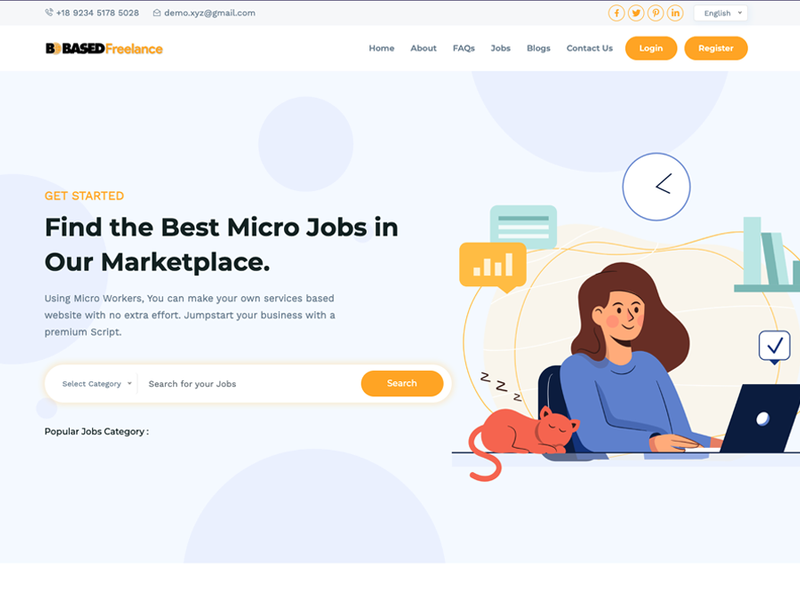
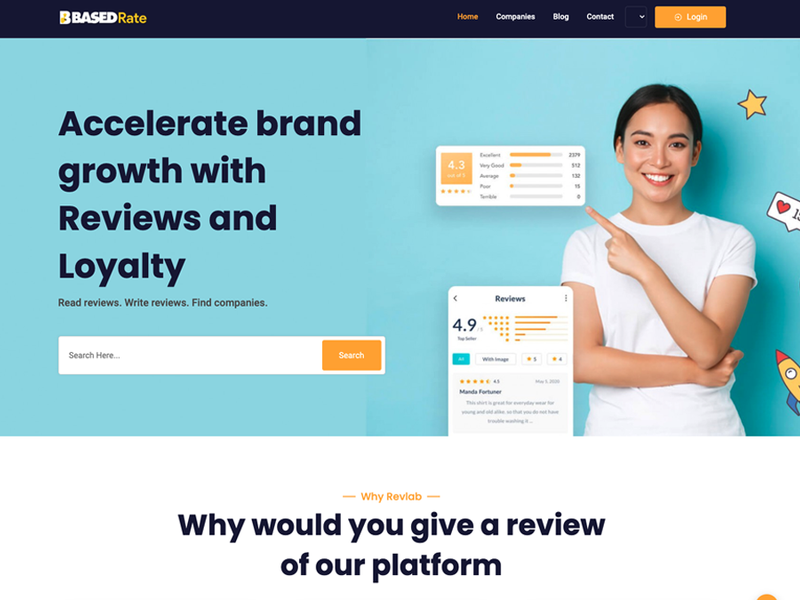
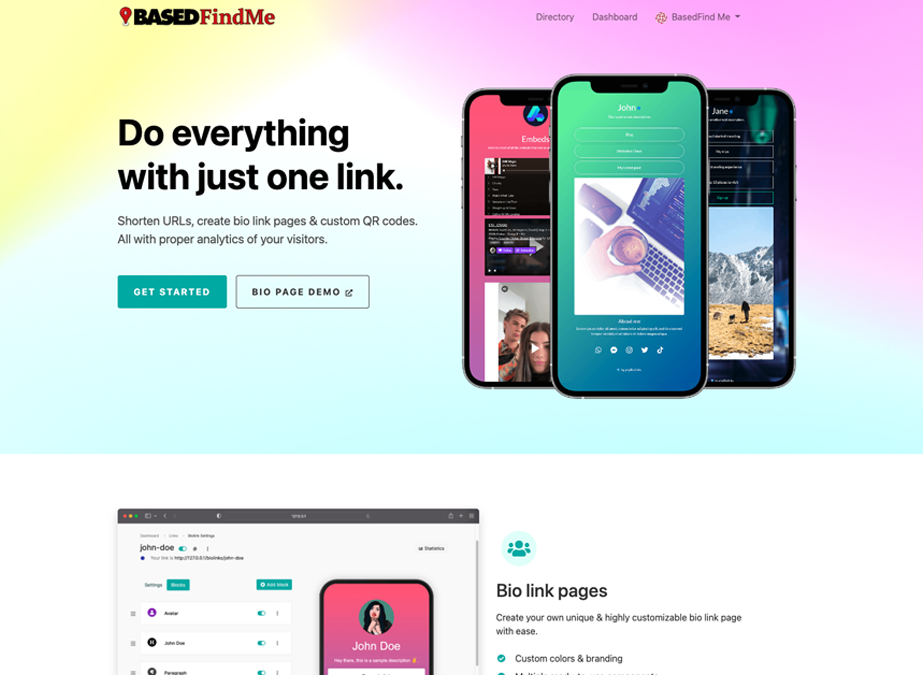
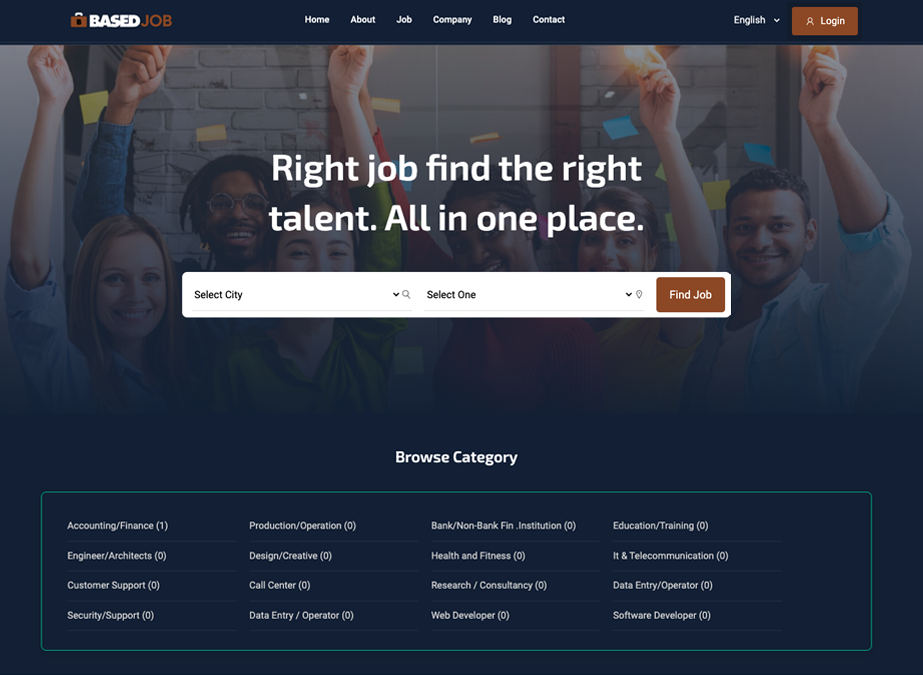
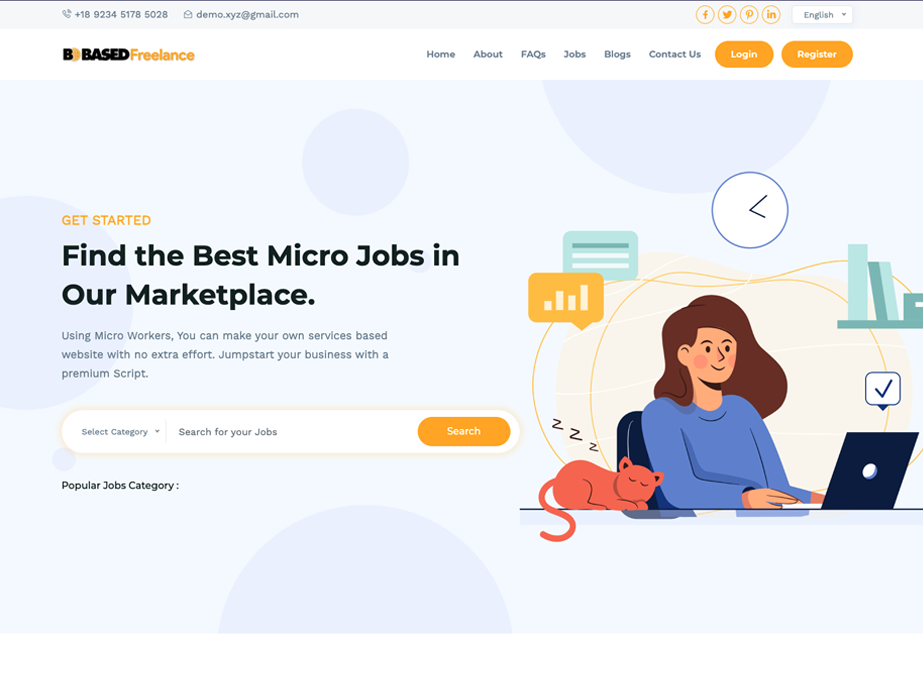
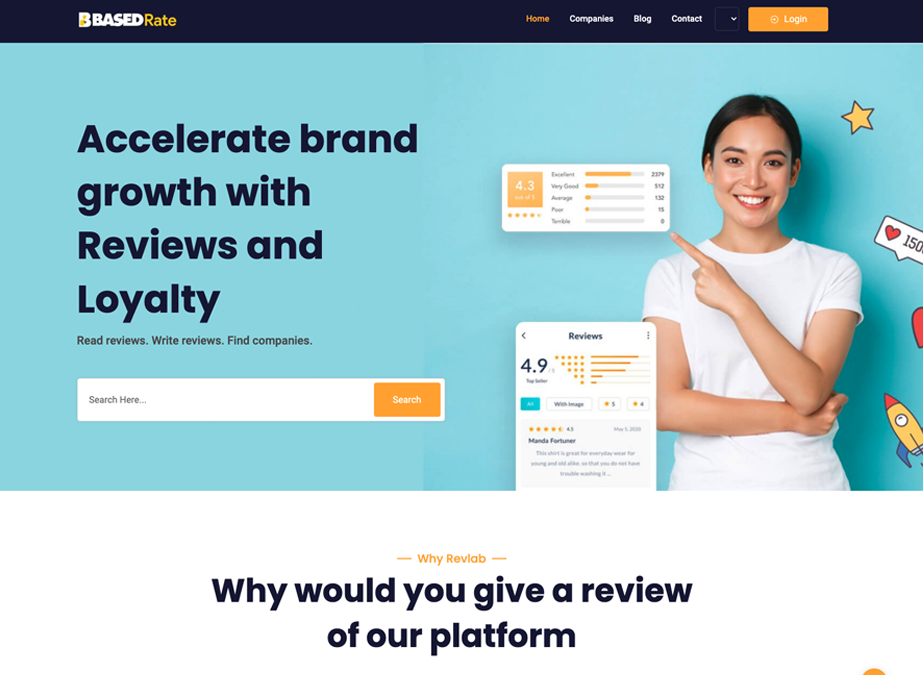
Profile & Link Management Platform — User-focused profile pages, custom links, content blocks, and centralized management of an online presence.Employment & Talent Marketplace — Job search, location and category filtering, employer and candidate navigation, and structured employment listings.Freelance Services Marketplace — Service discovery, category selection, search functionality, user accounts, and marketplace-oriented navigation.Reviews & Discovery Platform — Company search, review-oriented content, ratings, user participation, and business discovery.
Developing different types of web applications requires adapting the interface and content structure to the task users are trying to accomplish. These projects demonstrate experience working across profile platforms, marketplaces, directories, search-driven applications, and other interactive web environments while maintaining clear navigation and consistent user experiences.
Development and customization of a booking-focused web application supporting property discovery, listing details, availability inputs, and reservation-oriented user flows.
Booking platforms need to bring search, listings, availability information, property details, and user actions together in a clear and consistent experience. This project demonstrates the development of a web application that guides users from property discovery through detailed listing information and reservation-oriented interactions.
Search & Discovery
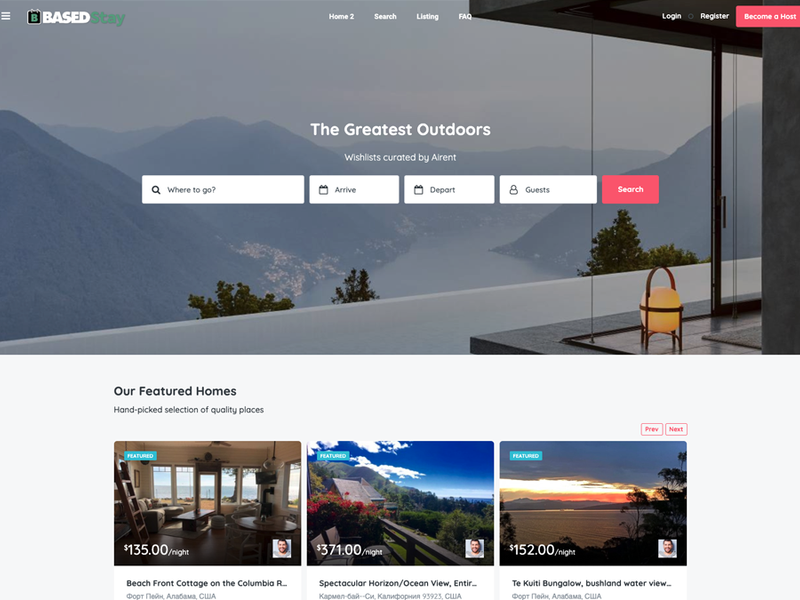
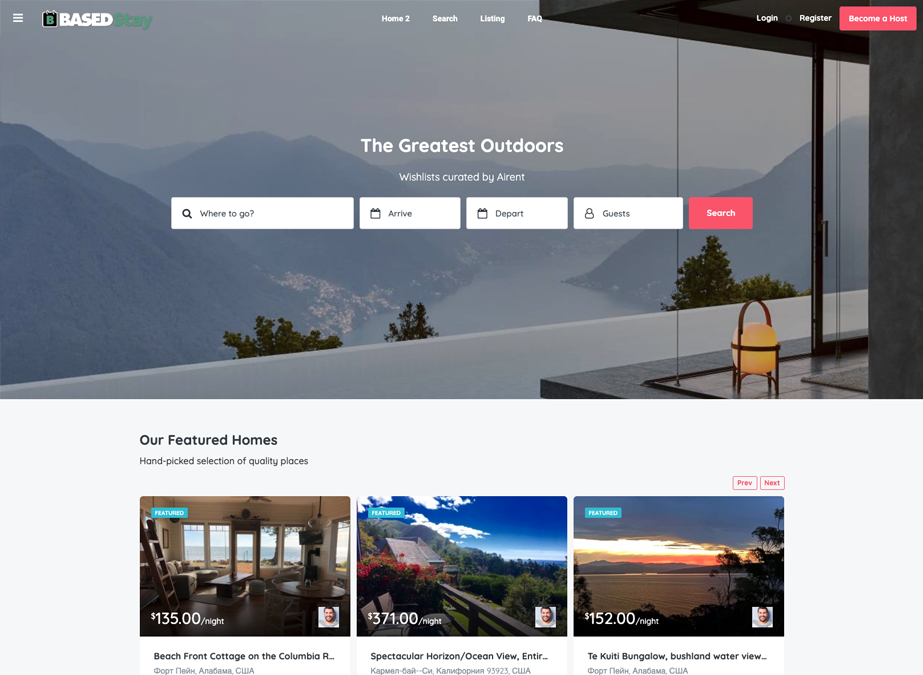
The platform provides a structured starting point for users to search destinations, enter arrival and departure information, select guests, and browse available properties through a centralized interface.
Listing & Content Management
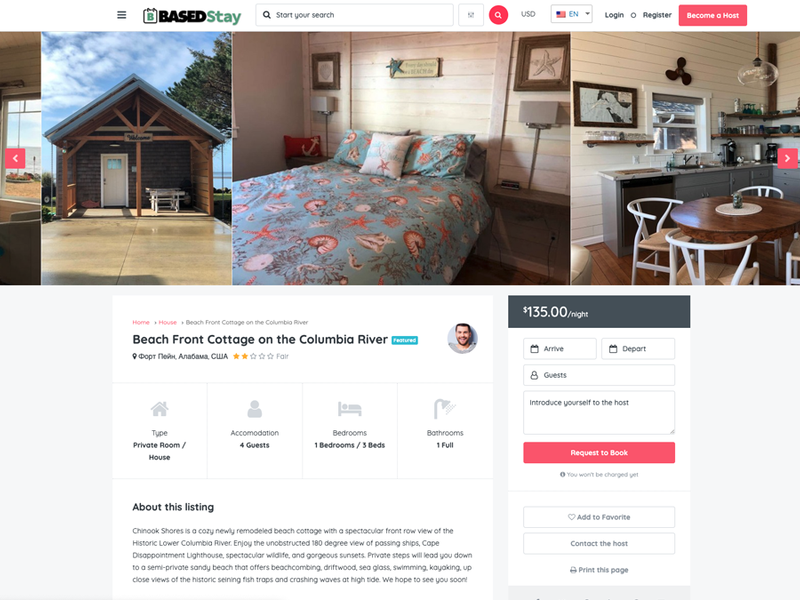
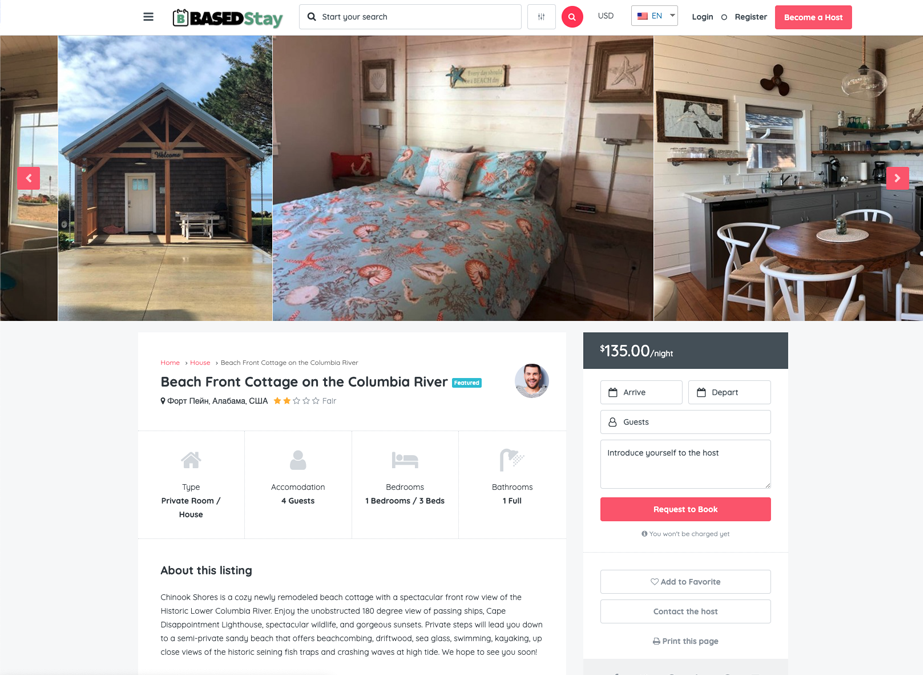
Individual listings combine property imagery, descriptions, pricing, accommodation details, amenities, and related information into a consistent presentation that helps users evaluate available options.
Booking Experience
The application connects property discovery with detailed listing pages and reservation-oriented controls, creating a clear path from browsing to selecting dates, entering guest information, and initiating a booking request.
Booking Platform Search Experience — Destination search, arrival and departure inputs, guest selection, featured properties, pricing, and listing discovery. Property Details & Reservation Flow — Listing images, accommodation details, pricing, availability inputs, guest selection, host contact, and booking-request controls.
A booking application depends on the relationship between search, content organization, listing detail, and user actions. Bringing these elements together creates a more complete web experience than a standard informational website and demonstrates experience working with application-style layouts and multi-step user flows.
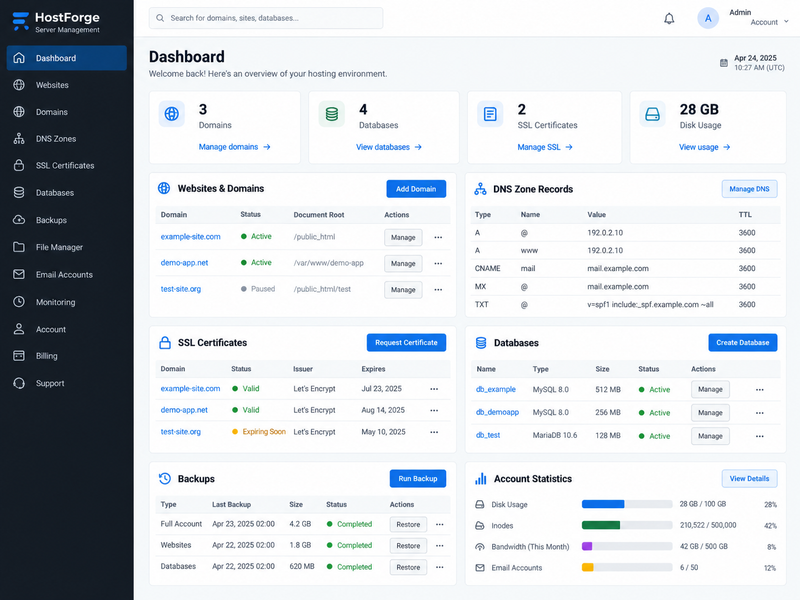
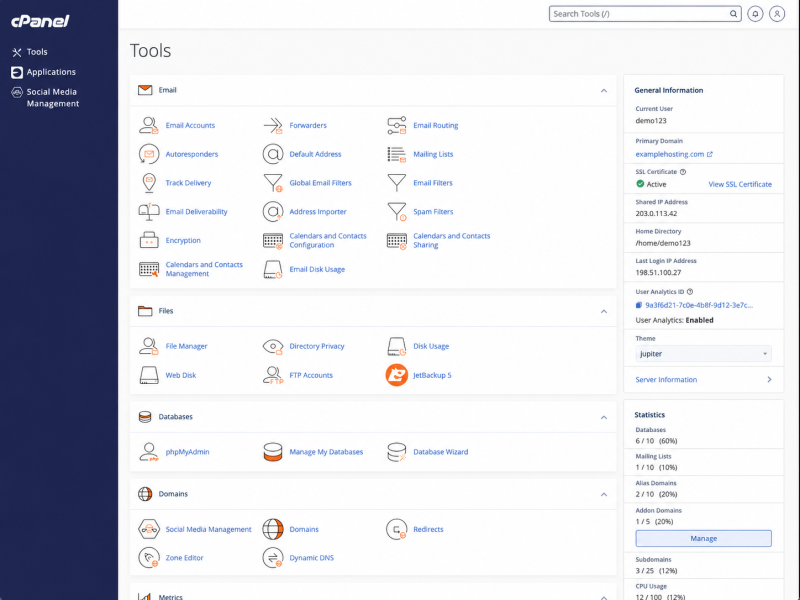
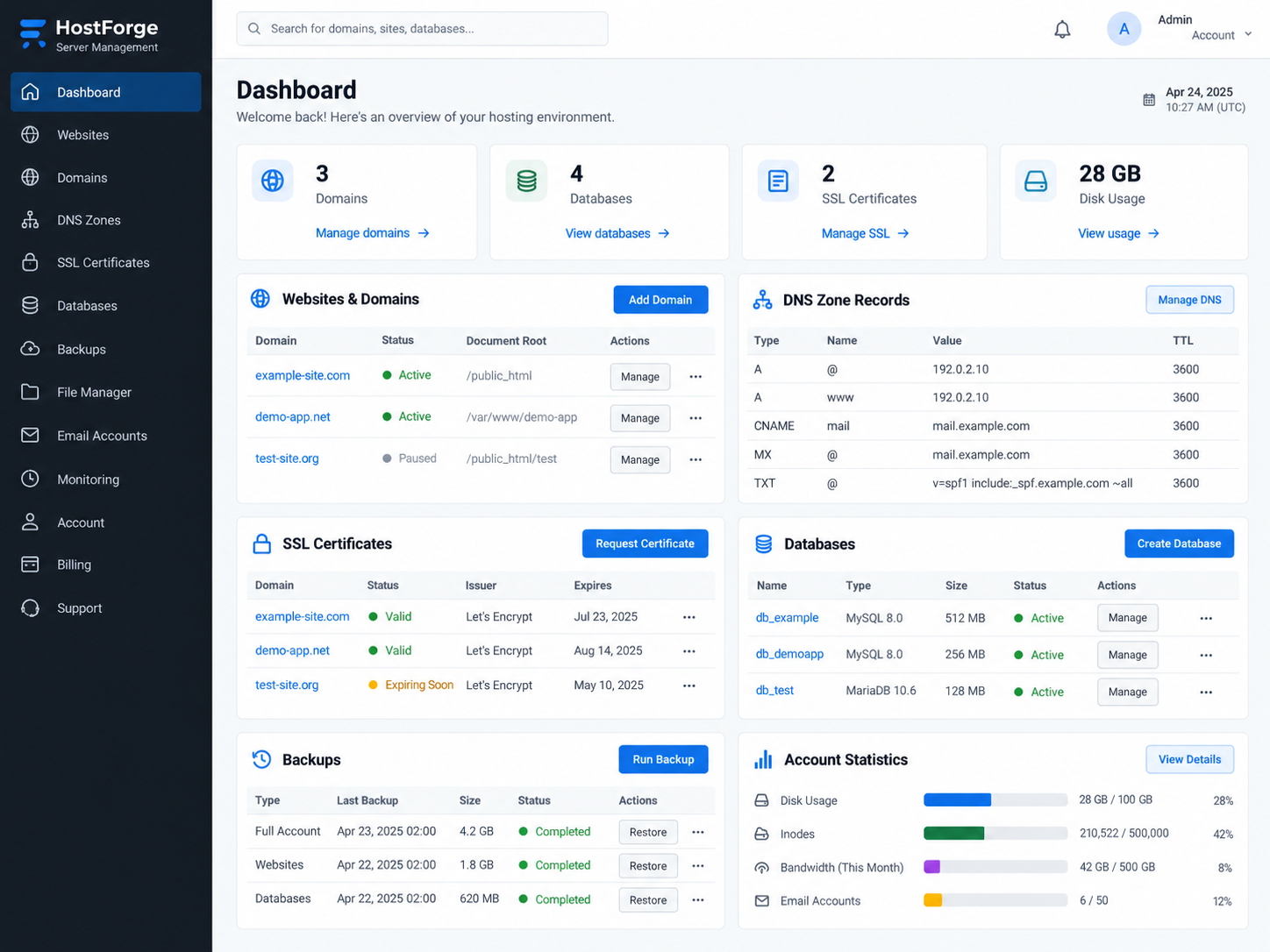
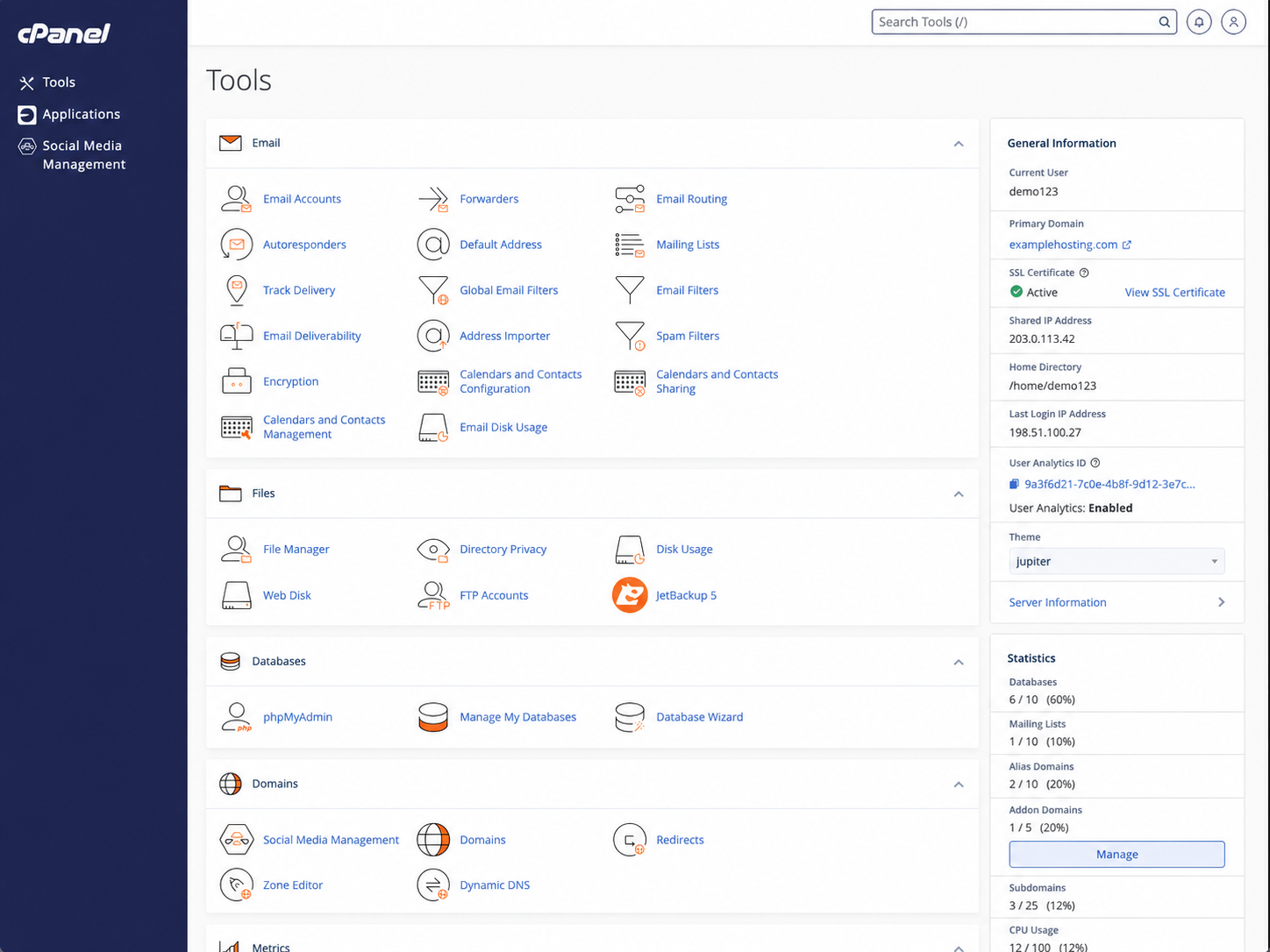
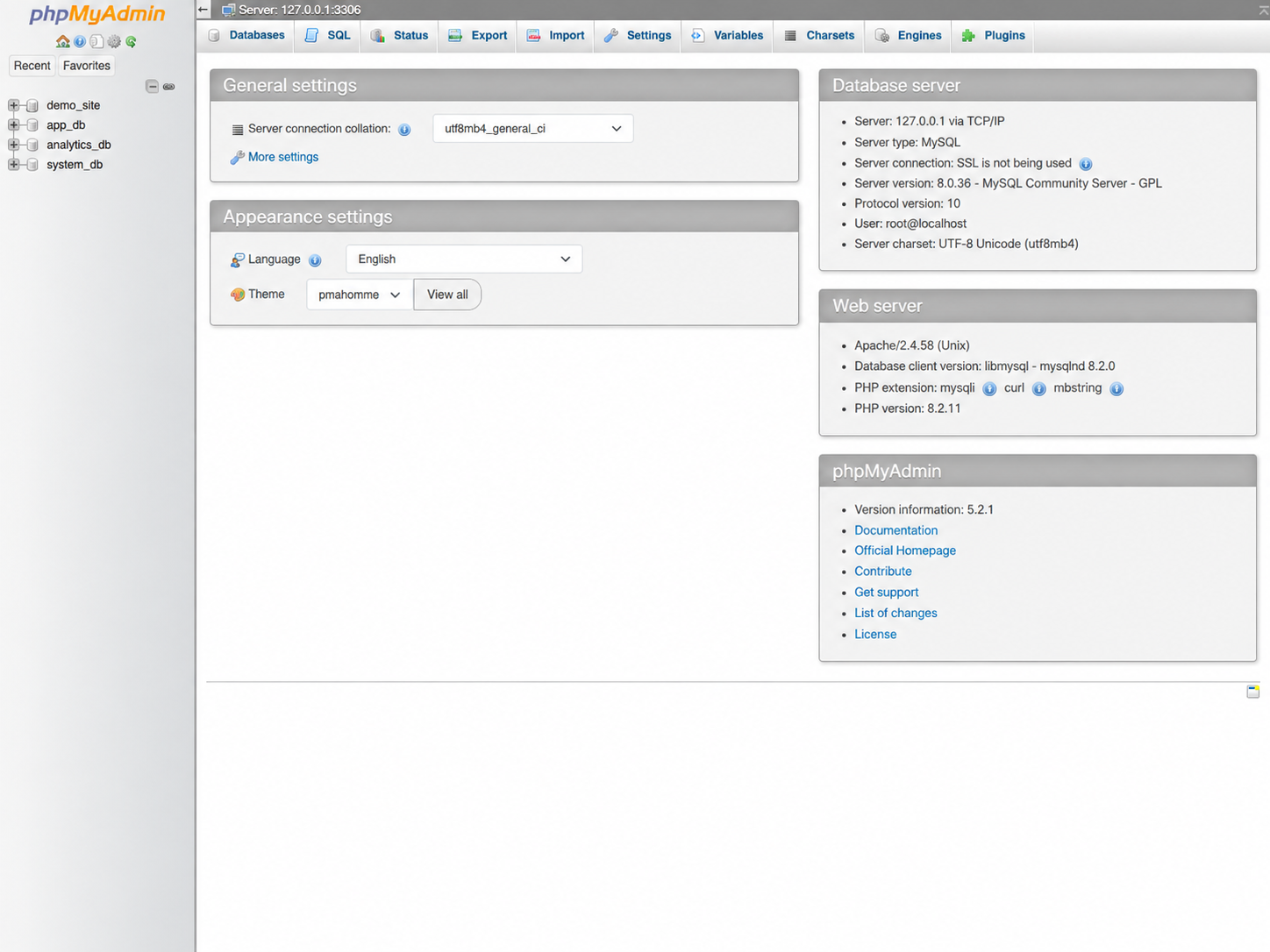
Web application administration extends beyond the visible website to the infrastructure that keeps it available and secure. This project highlights management of hosting environments, domain and DNS configuration, SSL/TLS certificates, database services, file and account administration, backups, and the server-side tools used to support deployed websites and applications.
Domains, DNS & Security
Hosting administration includes managing domains, subdomains, DNS records, redirects, and SSL/TLS certificates. These services connect users to the correct applications while providing encrypted access and maintaining the underlying configuration required for reliable website operation.
Database & Application Services
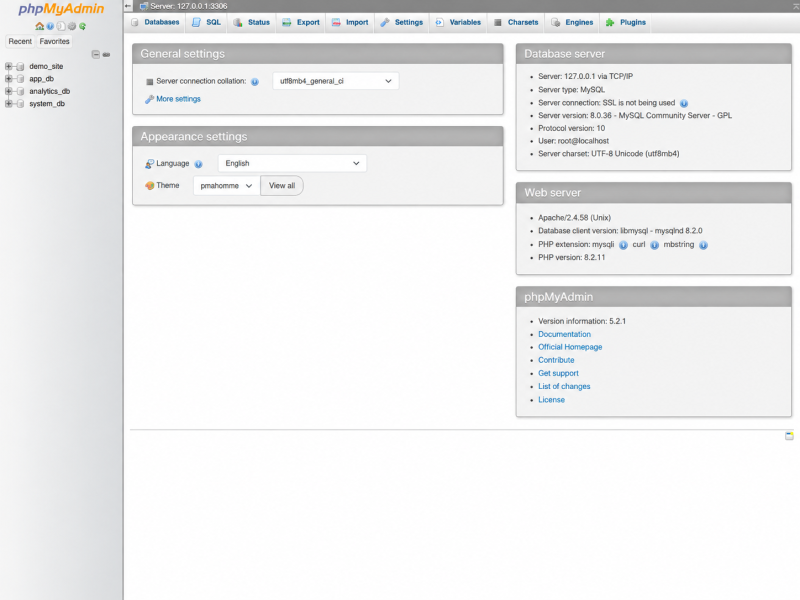
Web applications often depend on MySQL or MariaDB databases for content, accounts, configuration, and application data. Database administration includes creating and organizing databases, managing access, reviewing server settings, and using tools such as phpMyAdmin for database-level maintenance.
Hosting Operations & Recovery
Centralized hosting tools provide visibility into storage, bandwidth, files, email, account resources, software services, and scheduled backups. Maintaining backups and access to restore functions helps protect hosted applications and provides recovery options when files or databases need to be restored.
Hosting Environment Administration — Domains, DNS records, SSL certificates, databases, backups, resource usage, and hosted application management from a centralized control panel.cPanel Server & Account Management — File services, email administration, databases, DNS zone editing, domain configuration, SSL status, backups, and hosting-account resources.Database Administration — MySQL database access, server information, database organization, SQL tools, import/export functions, and application data management.
Reliable web hosting depends on the coordination of domain services, databases, security certificates, files, backups, and server resources behind the application itself. Experience with multiple hosting and database-management interfaces provides the flexibility to deploy, maintain, troubleshoot, and recover web applications across different hosting environments.
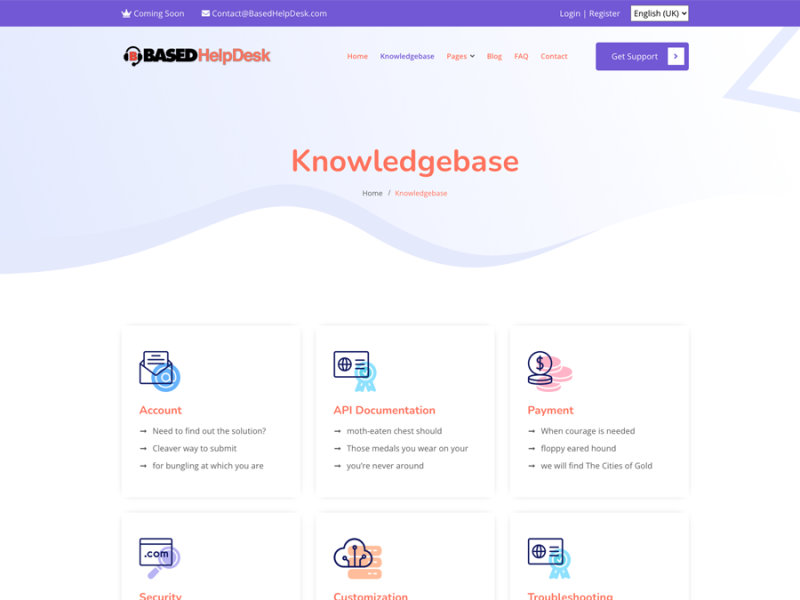
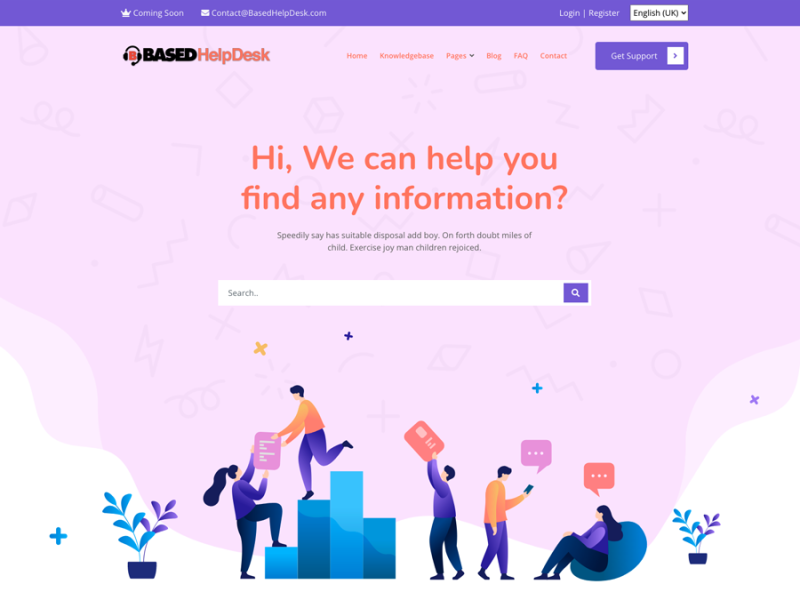
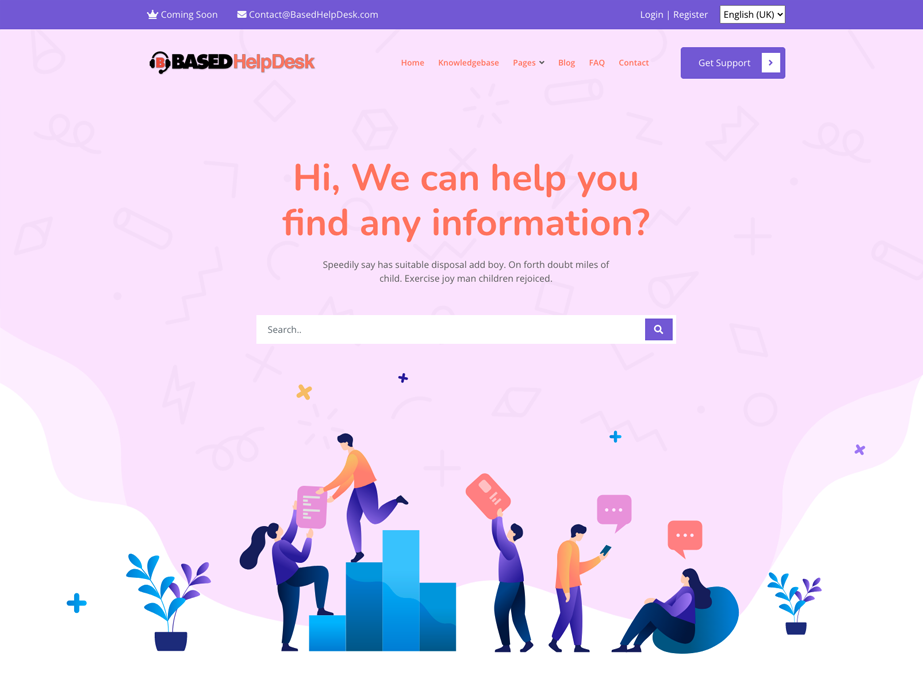
This project demonstrates the development of a user-facing support environment centered on searchable help content and organized knowledge resources. The platform gives users a clear starting point for finding information while providing structured categories for common support topics, documentation, troubleshooting, account questions, and related resources.
Self-Service Support
The main support interface is designed to help users quickly locate information before requiring direct assistance. Search-driven navigation and clearly presented help options reduce friction and make common answers easier to access.
Knowledge Organization
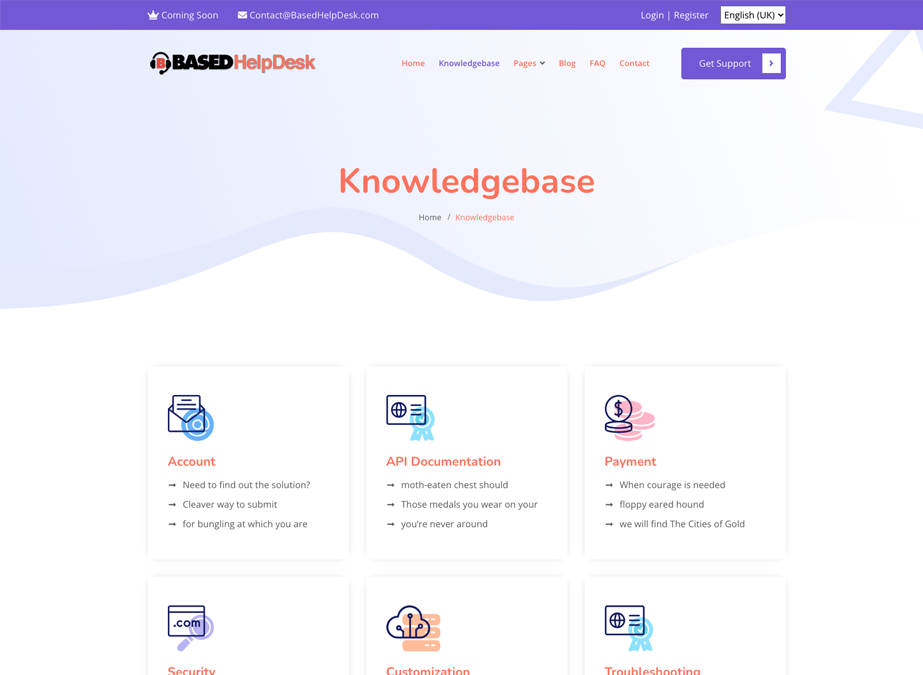
Support content is grouped into logical categories so documentation, account information, troubleshooting guidance, technical references, and other resources remain easy to browse and maintain.
User-Focused Access
Simple navigation, prominent search tools, and clearly separated support topics make the platform approachable for users with different levels of technical experience.
Support & Information Portal — Search-driven access to help content, support resources, navigation, and user assistance.Knowledge Base & Documentation — Organized support categories for account information, documentation, troubleshooting, technical resources, and common user questions.
Effective support systems are not only about resolving problems after they occur; they also make useful information easier to find beforehand. A well-organized knowledge base can improve the user experience, reduce repeated support requests, and provide a consistent place for documentation and troubleshooting resources.
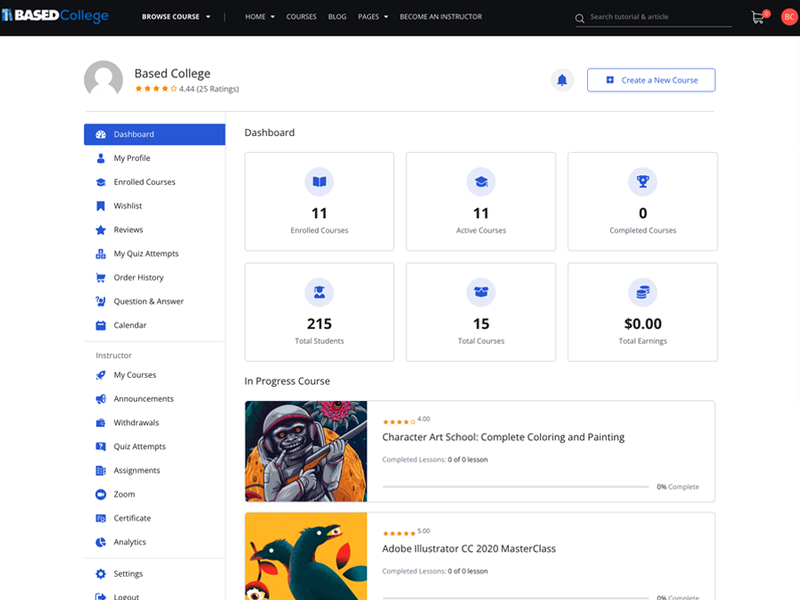
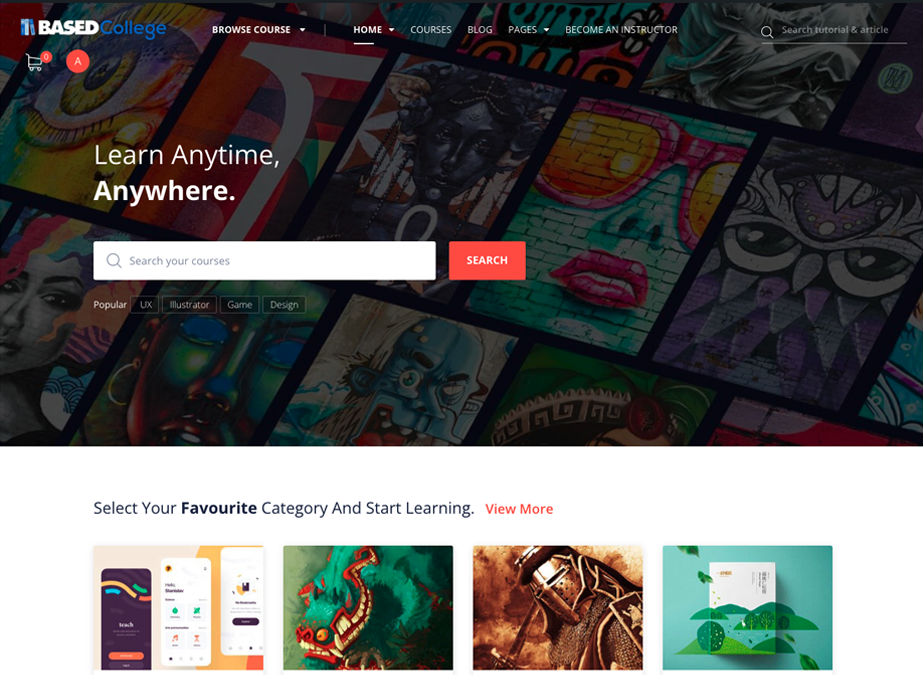
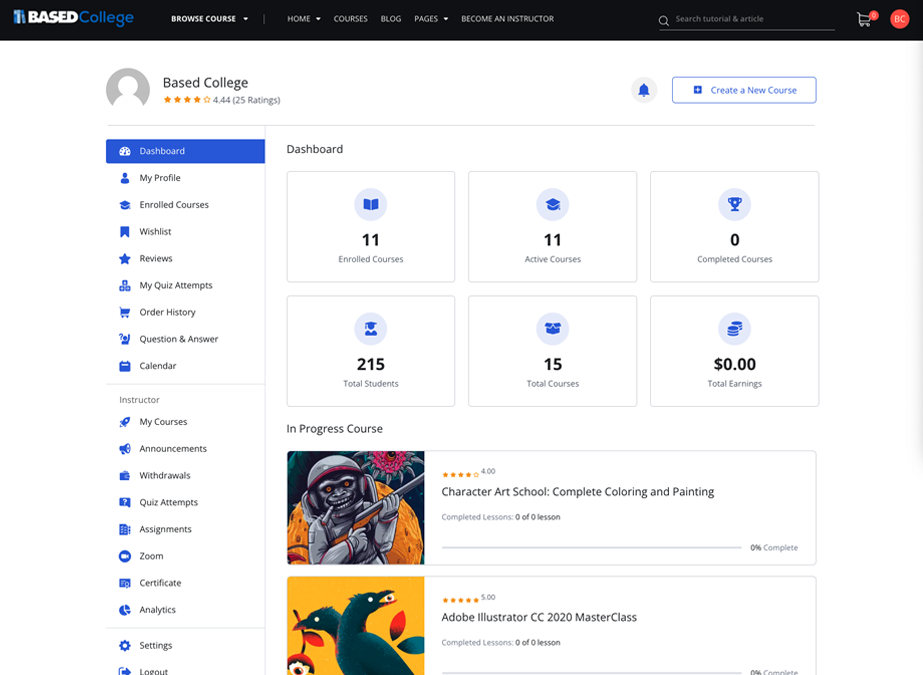
Development and customization of an online learning platform supporting course discovery, student activity, instructor tools, and educational content management.
This project demonstrates the design and implementation of a web-based learning environment built around course access, student engagement, instructor administration, and educational content delivery. The platform combines a public-facing course experience with authenticated dashboards for managing courses, progress, assignments, and related learning activities.
Learning Experience
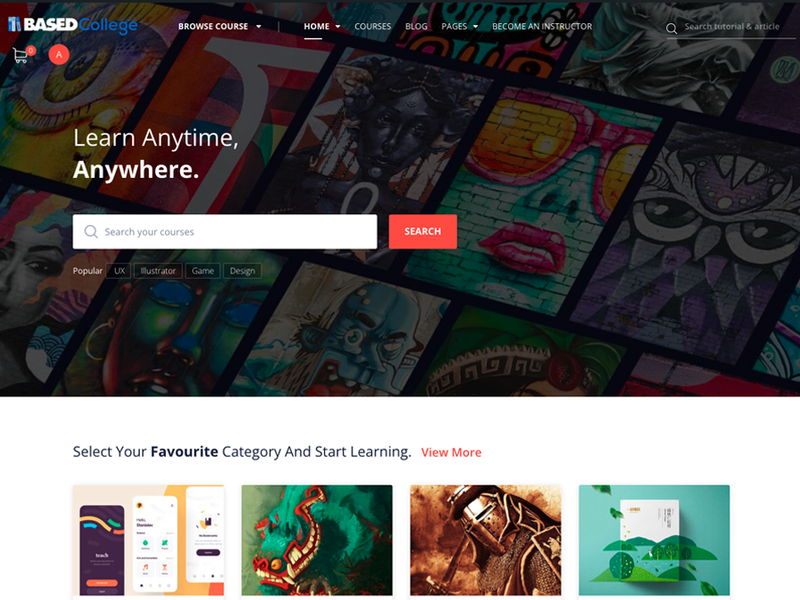
The public-facing interface is structured to help users discover courses, browse categories, search educational content, and move easily between learning resources.
Student & Instructor Tools
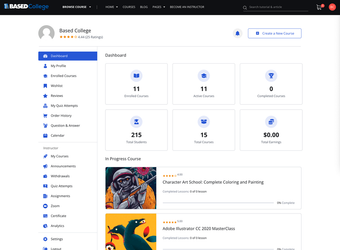
Authenticated dashboards support activities such as enrolled courses, quizzes, assignments, announcements, progress tracking, course management, and instructor administration.
Platform Administration
The system brings together content management, user accounts, course organization, analytics, certificates, and other learning-related functions within a centralized web environment.
A learning platform requires more than visual design; it must also organize users, course content, administrative tools, and ongoing educational activity in a way that remains easy to manage. This project demonstrates experience working with both the public-facing and administrative sides of an LMS-based web environment.